Creating Home Page of Tourist Site in Gumby Framework
Step 1 : Creating Home Page
In this tutorial, We will create Tourist Spot Home Page like this image.
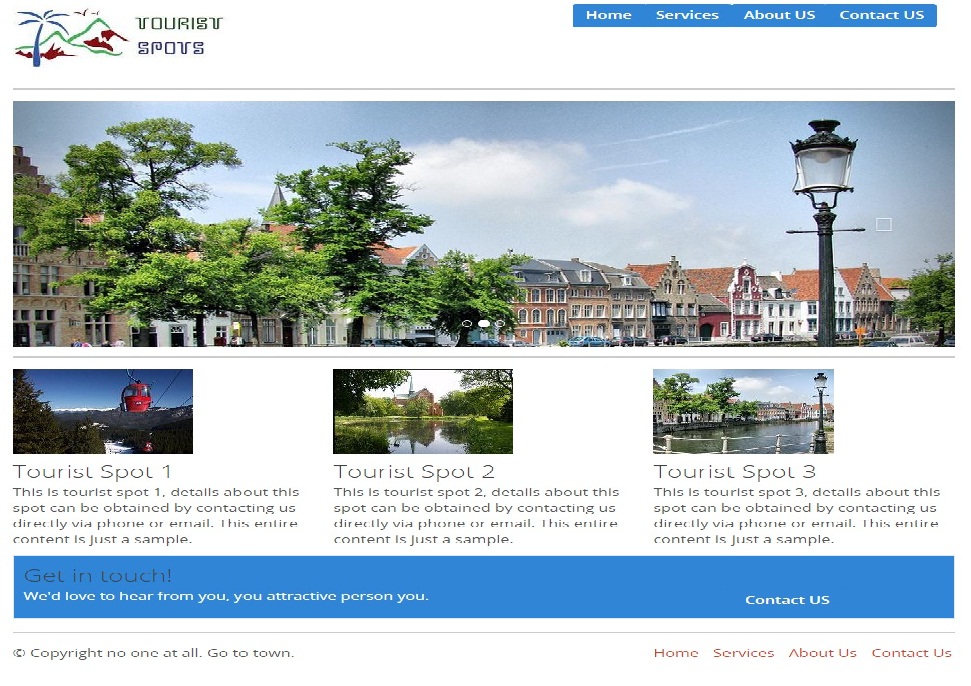
Step 1.1: Creating Tourist Spot Layout
Step 1.1.1: Open the downloaded index.html file in your favorite HTML editor.
Step 1.1.2: Create page header which contain logo in left side and links in right side by just add this below code.
<div class="row">
    <div class="three columns">
      <h1><img src="img/logo.jpg"/></h1>
    </div>
<div class="four columns">
	</div>
	<div style="margin-top:15px;" class="five columns prepend append field" >
      <div class="medium primary btn"><a href="index.html">Home</a></div>
	  <div class="medium primary btn"><a href="service.html">Services</a></div>
	  <div class="medium primary btn"><a href="about.html">About US</a></div>
	  <div class="medium primary btn"><a href="contact.html">Contact US</a></div>
    </div>
	<hr />
  </div>
Step 1.1.3: Save the header and open it in your favorite browser, the web page will look like,

Step 1.1.4: Create page footer using below code.
<div class="row">
 <div class="eight columns">
 <p>?? Copyright no one at all. Go to town.</p>
 </div>
 <div class="four columns">
<ul>
   <li style="padding-right:10px;"><a href="index.html">Home</a></li>
   <li style="padding-right:10px;"><a href="service.html">Services</a></li>
   <li style="padding-right:10px;"><a href="about.html">About Us</a></li>
   <li><a href="contact.html">Contact Us</a></li>
 </ul>
 </div>
</div>
Step 1.1.5: Save the tourist spot layout file and open it in your favorite browser, the web page will look like,
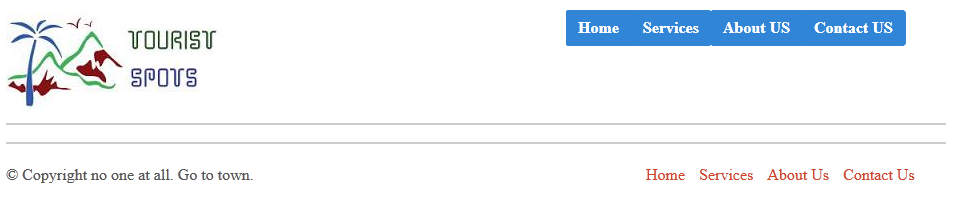
Step 1.1.6: Take a copy of layout page for creating other page.
Step 1.2: We are going to use carousal component for responsive image slider in our home page using bootstrap carousal.js file. Add this below code for carousal element.
<div class="row">
   <div class="twelve columns">

<div id="carousel-example-generic" class="carousel slide" data-interval="3000" data-ride="carousel">
    <ol class="carousel-indicators">
      <li data-target="#carousel-example-generic" data-slide-to="0" class="active"></li>
      <li data-target="#carousel-example-generic" data-slide-to="1" class=""></li>
      <li data-target="#carousel-example-generic" data-slide-to="2" class=""></li>
    </ol>
    <div class="carousel-inner">
      <div class="item active">
        <img alt="First slide" src="img/1.jpg">
      </div>
      <div class="item">
        <img alt="Second slide" src="img/2.jpg">
      </div>
      <div class="item">
        <img alt="Third slide" src="img/3.jpg">
      </div>
    </div>


  <!-- Controls -->
  <a class="left carousel-control" href="#carousel-example-generic" role="button" data-slide="prev">
    <span class="glyphicon glyphicon-chevron-left"></span>
  </a>
  <a class="right carousel-control" href="#carousel-example-generic" role="button" data-slide="next">
    <span class="glyphicon glyphicon-chevron-right"></span>
  </a>
</div> <!-- Carousel -->

  </hr>
  </div>
</div>
Step 1.2.1: Save the file and open it in your favorite browser, the web page will look like,
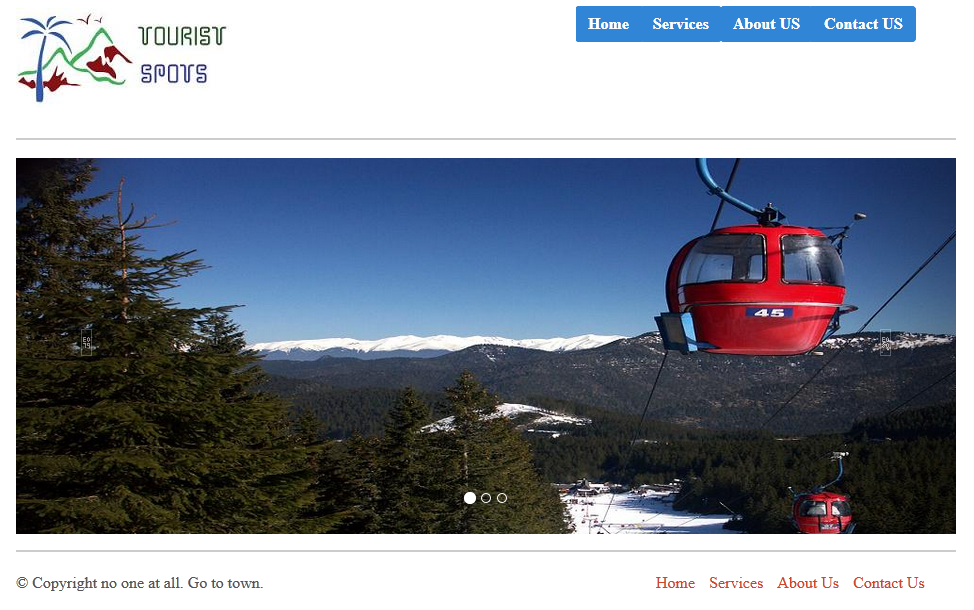
Step 1.3: Next create image thumbnails with description and contact us panel by using following codes.
<div class="row">
    <div class="four columns">
		 <img src="img/1.jpg" />
		 <h4>Tourist Spot 1</h4>
		 <p>This is tourist spot 1, details about this spot can be obtained by contacting us directly via phone or email. This entire content is just a sample.</p>
    </div>
	<div class="four columns">
		 <img src="img/2.jpg" />
		 <h4>Tourist Spot 2</h4>
		 <p>This is tourist spot 2, details about this spot can be obtained by contacting us directly via phone or email. This entire content is just a sample.</p>
    </div>
	<div class="four columns">
		 <img src="img/3.jpg" />
		 <h4>Tourist Spot 3</h4>
		 This is tourist spot 3, details about this spot can be obtained by contacting us directly via phone or email. This entire content is just a sample.
    </div>
  </div>

  <div class="row">
    <div class="twelve columns">


  <table>
	<thead>
		<tr>
			<th><h4>Get in touch!</h4>
			<p>We'd love to hear from you, you attractive person you.</p></th>
			<th><div class="medium primary btn"><a href="#">Contact US</a></div></th>
		</tr>
	</thead>
</table>
 <hr />
    </div>
  </div>
Step 1.2.1: Save the file and open it in your favorite browser, the web page will look like,