Creating FAQ Page for Tourist Website in Zurb Foundation
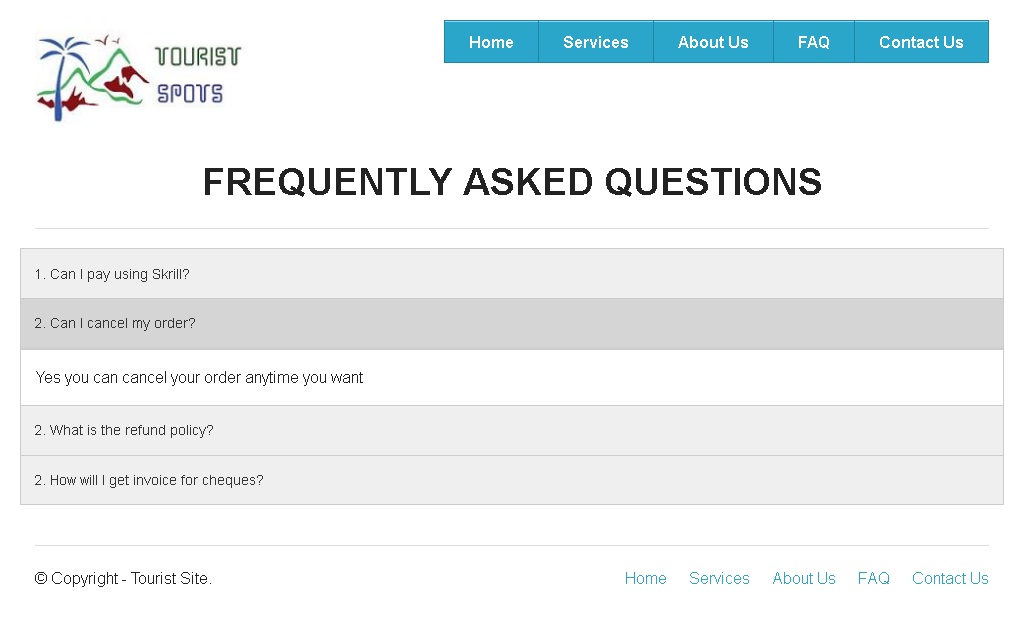
In the end of this tutorial, your FAQs page will look like,
Step 4.1: Creating Layout
Step 4.1.1: Create a duplicate of the index.html file and name it as faq.html.
Step 4.1.2: Open the faq.html file in a HTML editor and detete everything inside the body tags except header, footer and the attached scripts.
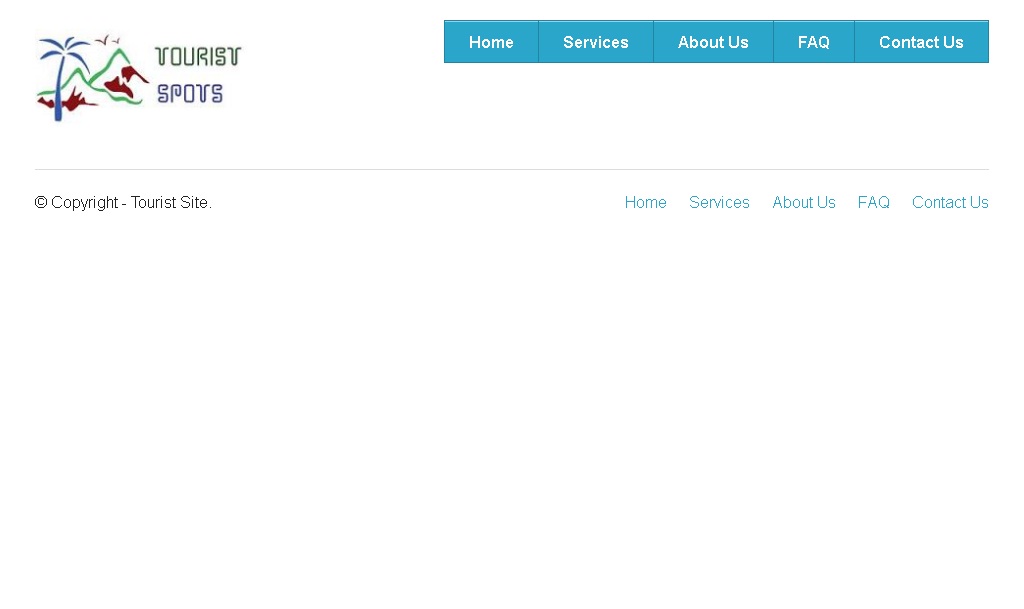
Step 4.1.3: Save the file and open it in your favorite browser, the web page will look like,
Step 4.2: Adding Design Elements
Step 4.2.1: For FAQs, we are going to use the element "Accordion" provided by Foundation 5. Various uses of Accordion is shown in this Link. The Syntax of accordion is
 <dl class="accordion" data-accordion>
  <dd class="accordion-navigation">
    <a href="#panel1">Accordion 1</a>
    <div id="panel1" class="content">
      <p>Content of Panel1</p>
    </div>
  </dd>

  <dd class="accordion-navigation">
   <a href="#panel2">Accordion 2</a>
    <div id="panel2" class="content">
      <p>Content of Panel2</p>
    </div>
  </dd>
</dl>
Step 4.3: Editing Contents
Step 4.3.1: Type the below Section accordion code between headers and footers.
<div class="row">
 <div class="large-12 columns text-center">
   <h2>FREQUENTLY ASKED QUESTIONS</h2>
    <hr>
 </div>
</div>
<dl class="accordion" data-accordion>
 <dd class="accordion-navigation">
    <a href="#panel1">1. Can I pay using Skrill?</a>
    <div id="panel1" class="content">
      <p>Yes we accept Skrill(Moneybooker).</p>
    </div>
 </dd>

 <dd class="accordion-navigation">
   <a href="#panel2">2. Can I cancel my order?</a>
    <div id="panel2" class="content">
      <p>Yes you can cancel your order anytime you want.</p>
    </div>
 </dd>

 <dd class="accordion-navigation">
    <a href="#panel3">3. What is the refund policy?</a>
    <div id="panel3" class="content">
      <p>You can receive 100% refund anytime for any reason, there are no strings attached.</p>
    </div>
 </dd>

 <dd class="accordion-navigation">
   <a href="#panel4">4. How will I get invoice for cheques?</a>
    <div id="panel4" class="content">
      <p>You can receive invoice either by mail or by e-mail.</p>
    </div>
 </dd>
</dl>
Step 4.3.2: Save the file and open it in your favorite browser, the web page will look like,